-2.png)
Manual Entry - Business travel - Rail
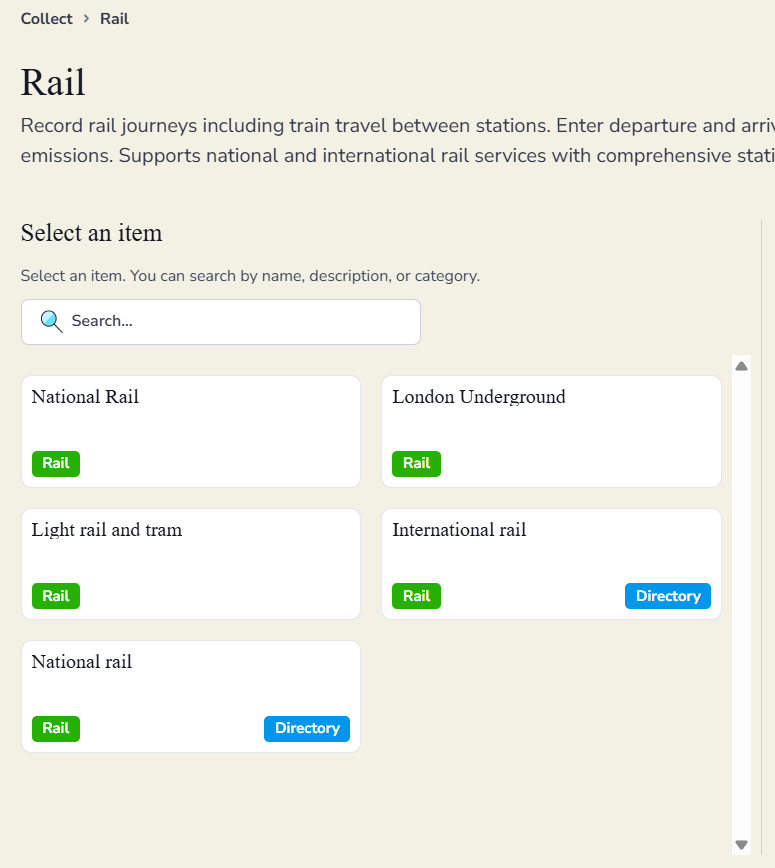
If you are travelling by rail for business purposes, you can add this by clicking on Manual Entry -> Business travel on the left-hand side of the dashboard. Then select rail travel and click on the rail service you used.
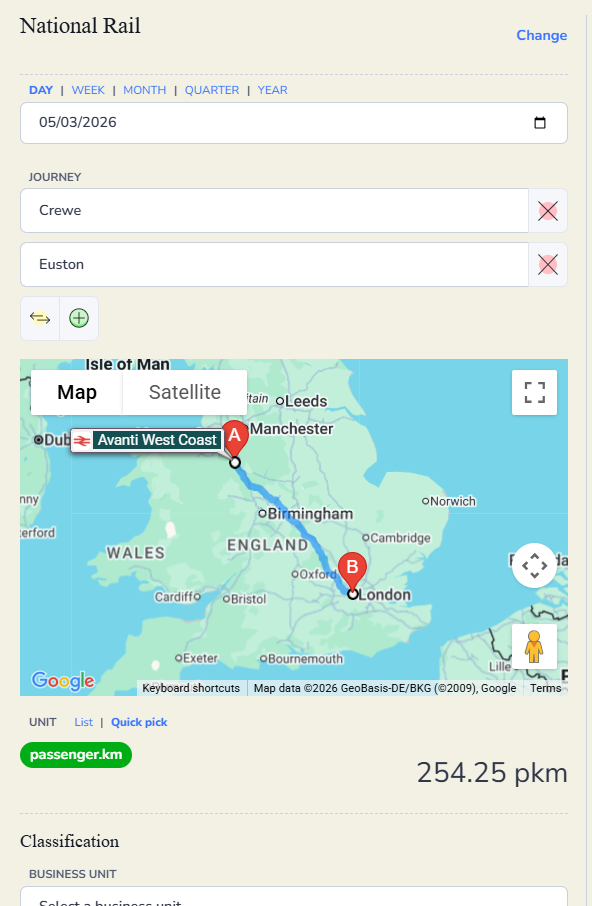
Enter the date of travel and journey points. The distance will be calculated for you.
Use the drop down lists to select the stations required. The red crosses will delete the entry, allowing another to be selected.
The arrows will reverse the stations and the green plus will allow another journey point to be added.
If needed enter a business unit and any tags and save the transaction.