-2.png)
Settings - Reporting periods
Reporting periods
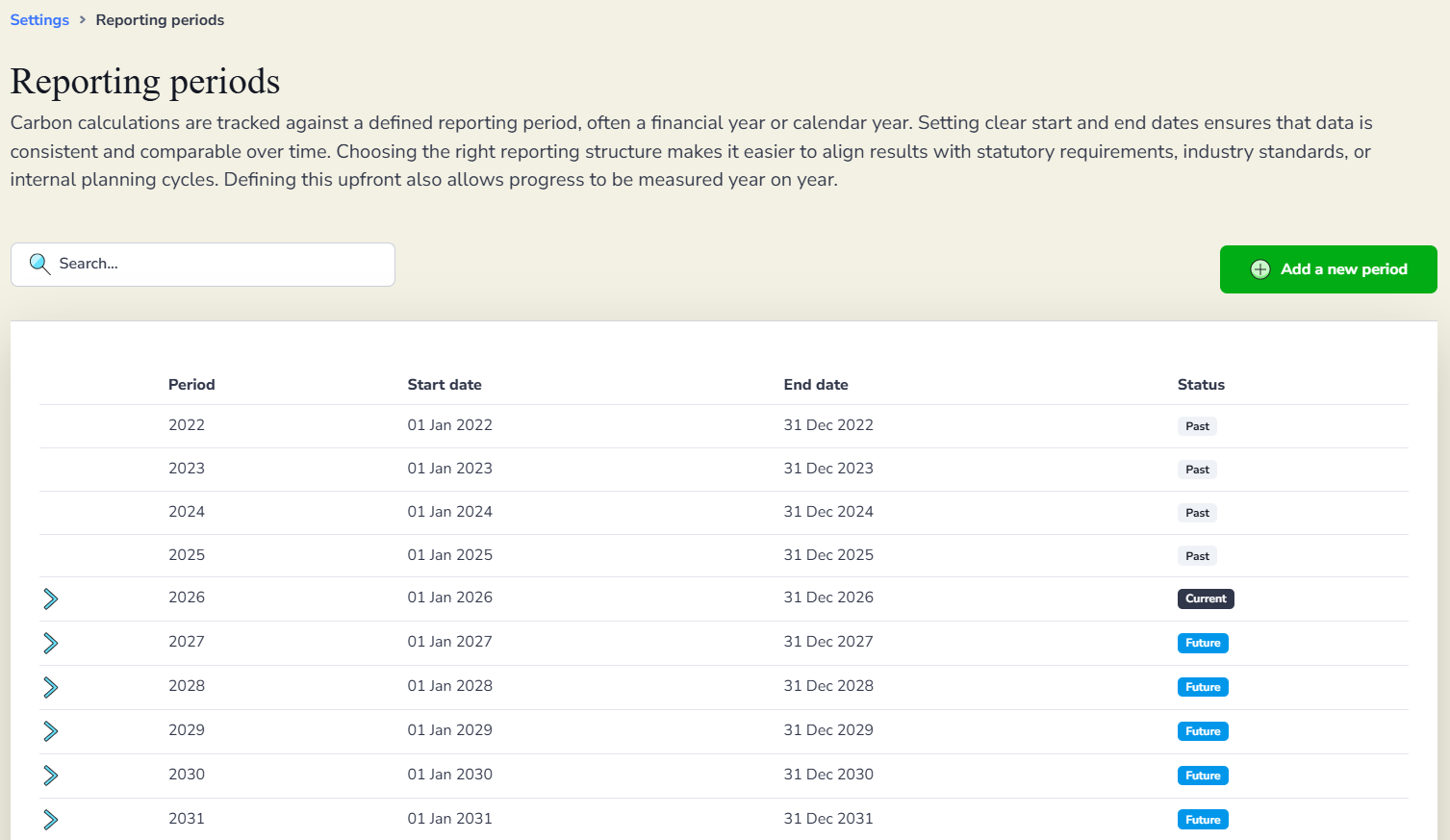
Reporting periods define the date ranges Zeropath uses to organise and calculate your carbon data. Setting these up accurately ensures your figures are consistent year on year and align with your annual reporting requirements.
Go to Settings then Reporting periods to see all your periods listed with their start date, end date and status. Periods are marked as Past, Current or Future so you can see at a glance where you are in your reporting cycle.
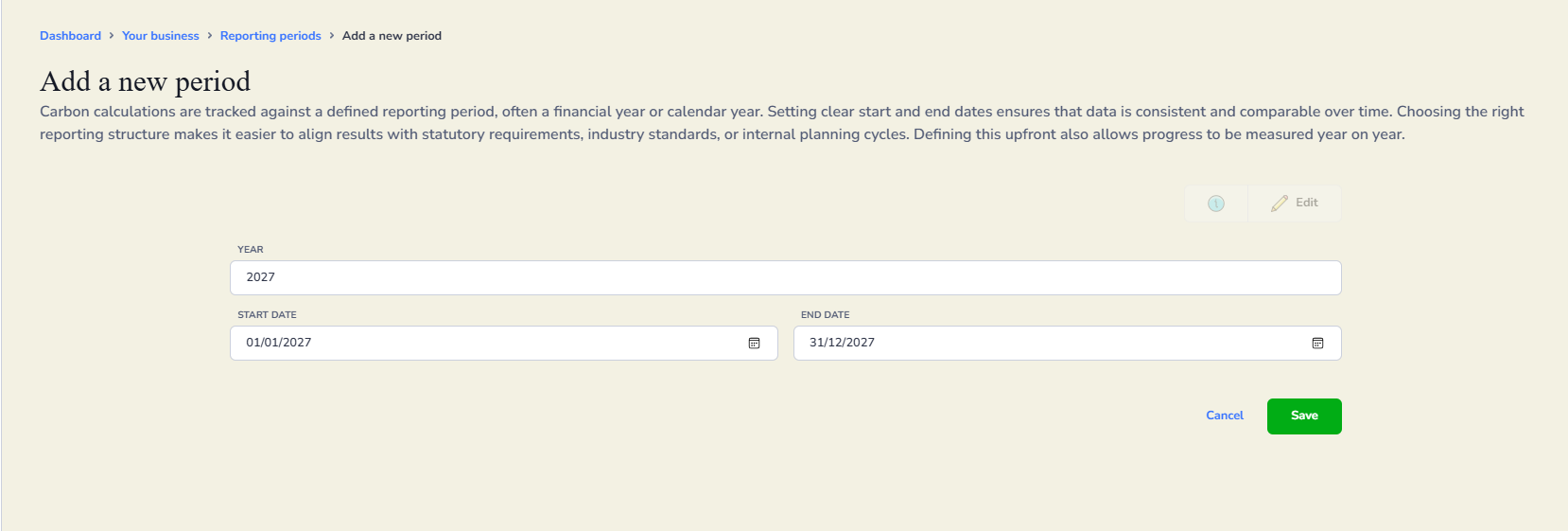
Adding a new period
Click Add a new period. Enter the year, then set the start date and end date for that reporting period. Click Save when you are done.
Editing an existing period
Click the arrow next to any period to open it, then click Edit. Update the start or end date as needed and click Save.
If you change the dates on an existing period, you will need to run a summary rebuild so Zeropath can reassign your transactions to the correct period. Click Rebuild summaries and a confirmation screen will appear warning you that this will delete and rebuild all summary data for the selected period. Click Start rebuild to confirm.
This process may take a few minutes if you have a large amount of data.

Locking a reporting period
Each period has a Reporting period locked toggle. Locking a period prevents changes being made to the data within it. This is useful once a period has been finalised and submitted for reporting.