-2.png)
Getting Started - Set Targets
After completing the first steps of onboarding, you will be directed to your dashboard, where you can set your organisation's targets. Go to your dashboard and click Set targets in the Getting started with Zeropath panel.
This is also important for your Carbon Reduction Plan. Setting targets gives you a clear indication of your objectives, and Documents allows you to generate reports in the format required for compliance or tender purposes.
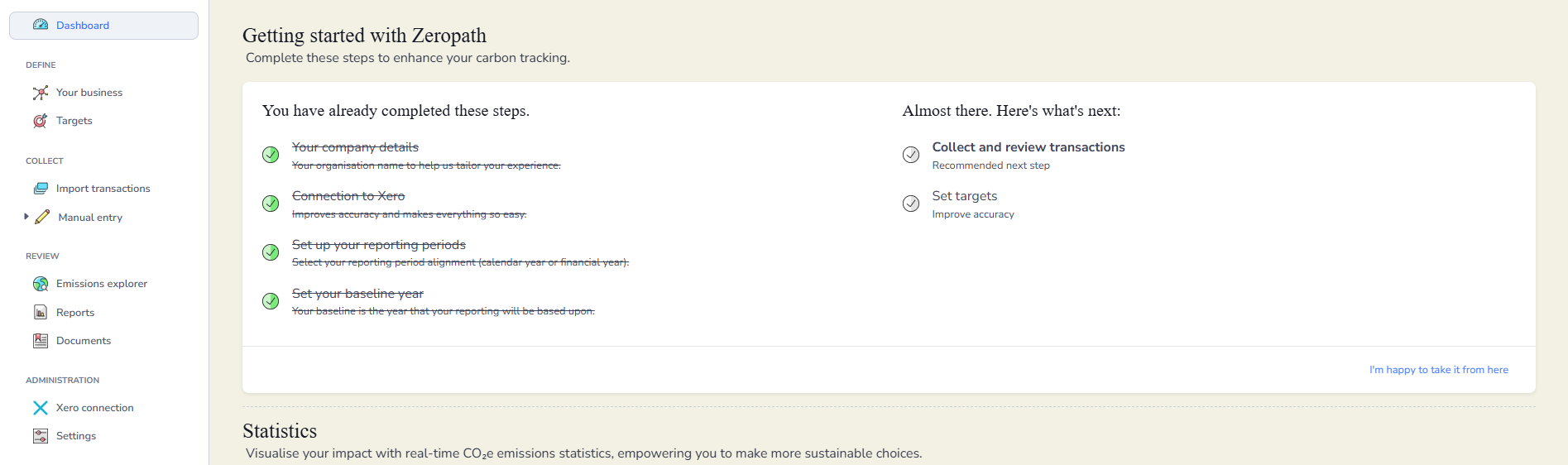
If you have not yet added any transactions to your selected baseline year, you will see a message explaining this. Your baseline year provides the starting point for measuring progress towards your emissions reduction targets and net zero goals.
You can continue to set up your targets using an estimate for now. Once transactions are added, your baseline will automatically update and recalculate. Click Continue to proceed.
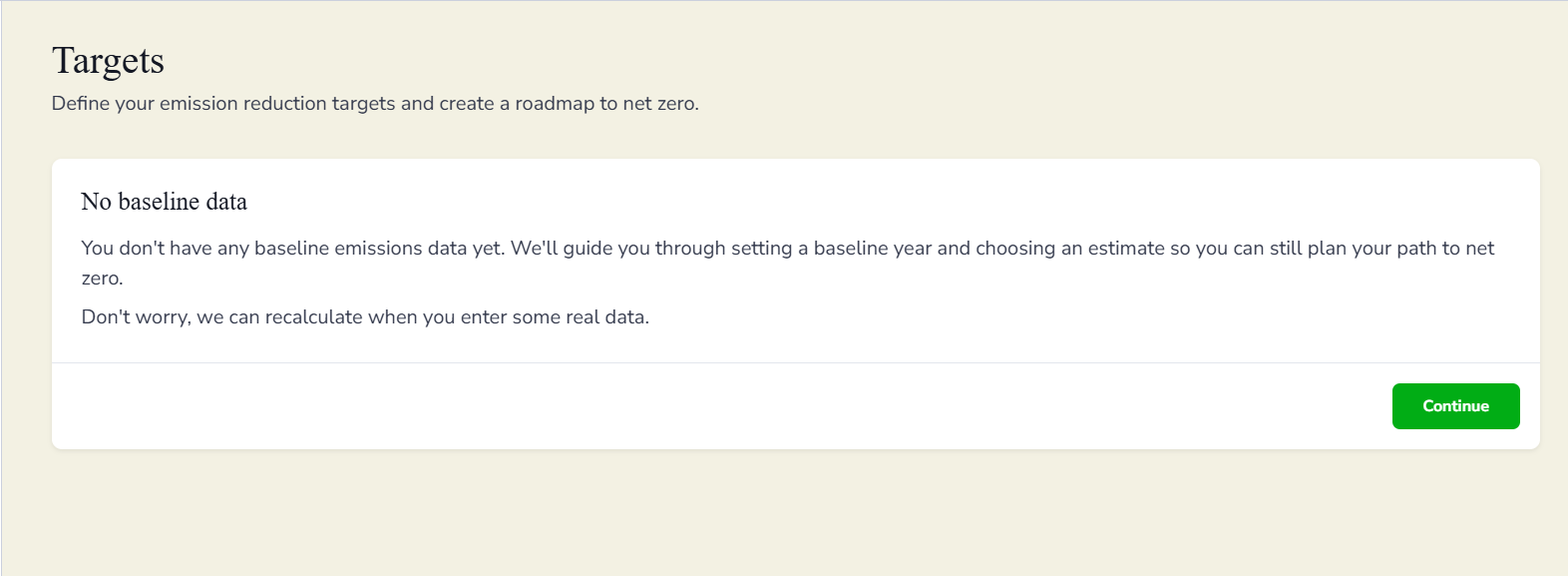
During the initial setup of your Zeropath account, you selected a baseline year for your carbon reporting. If you have already added transactions, this screen will confirm the year you chose instead. Your baseline year acts as the starting point for tracking emissions reductions and measuring progress over time. Click Continue to proceed.
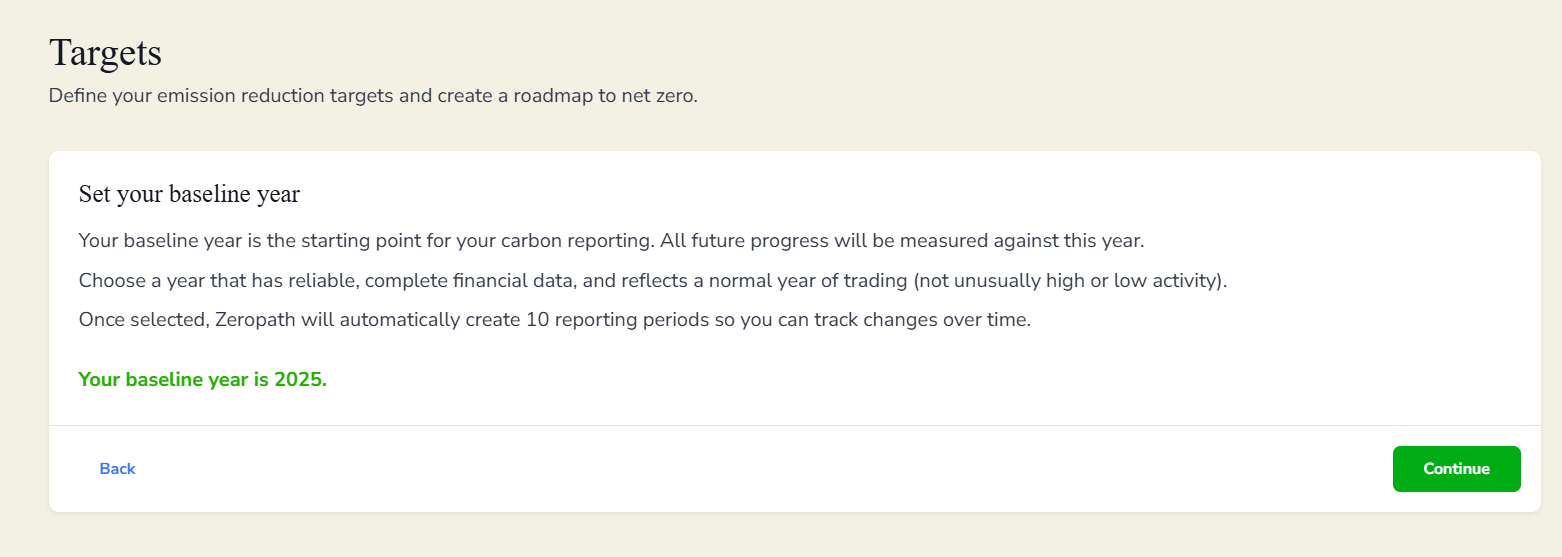
Choosing an estimate for your baseline emissions
If you have not yet added transactions to your baseline year, you will be asked to select an estimated emissions range. This estimate allows you to begin setting targets and building your net zero roadmap while you gather real data.
Click the emissions band that best reflects the size and operational footprint of your organisation. You can update this later once actual data has been entered, and your baseline will automatically recalculate. Click Continue to proceed.
Choosing your net zero target year
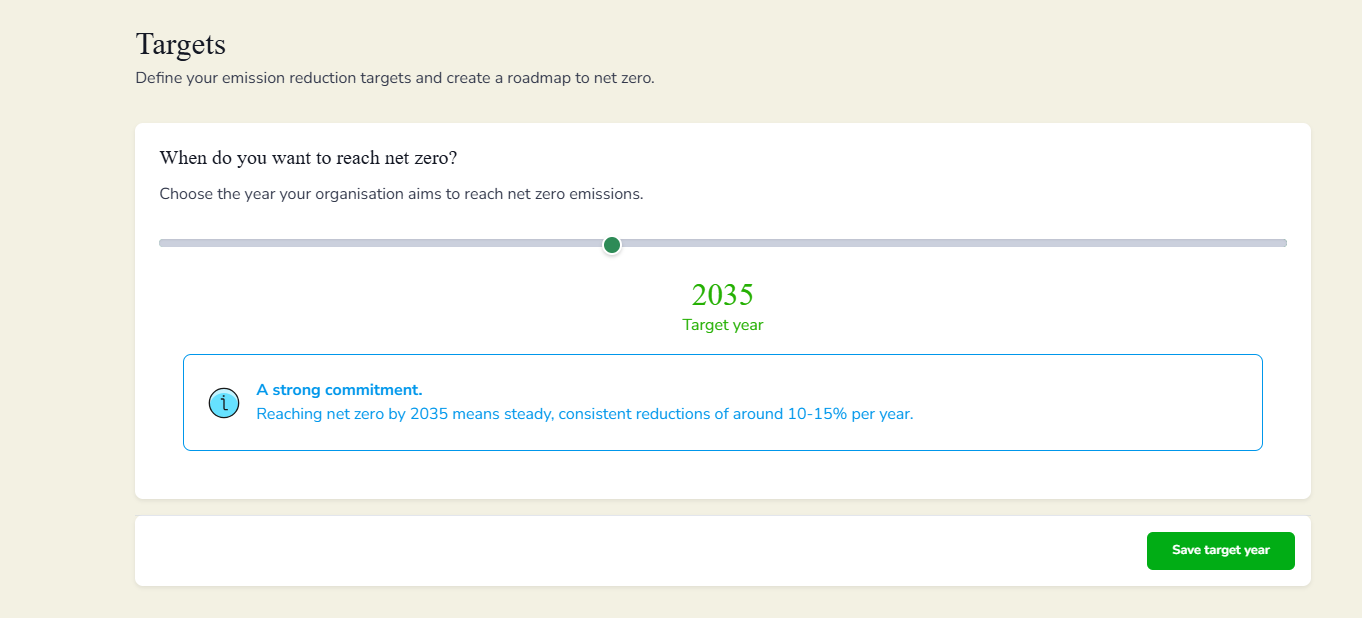
You can now define your target year and create your roadmap to net zero. Use the slider to adjust your target year, moving it earlier for a more ambitious goal or further out for a longer transition period. The platform will indicate the level of commitment required based on your selection.
Once you are happy with your chosen year, click Save target year to continue.
Reviewing your emission reduction path
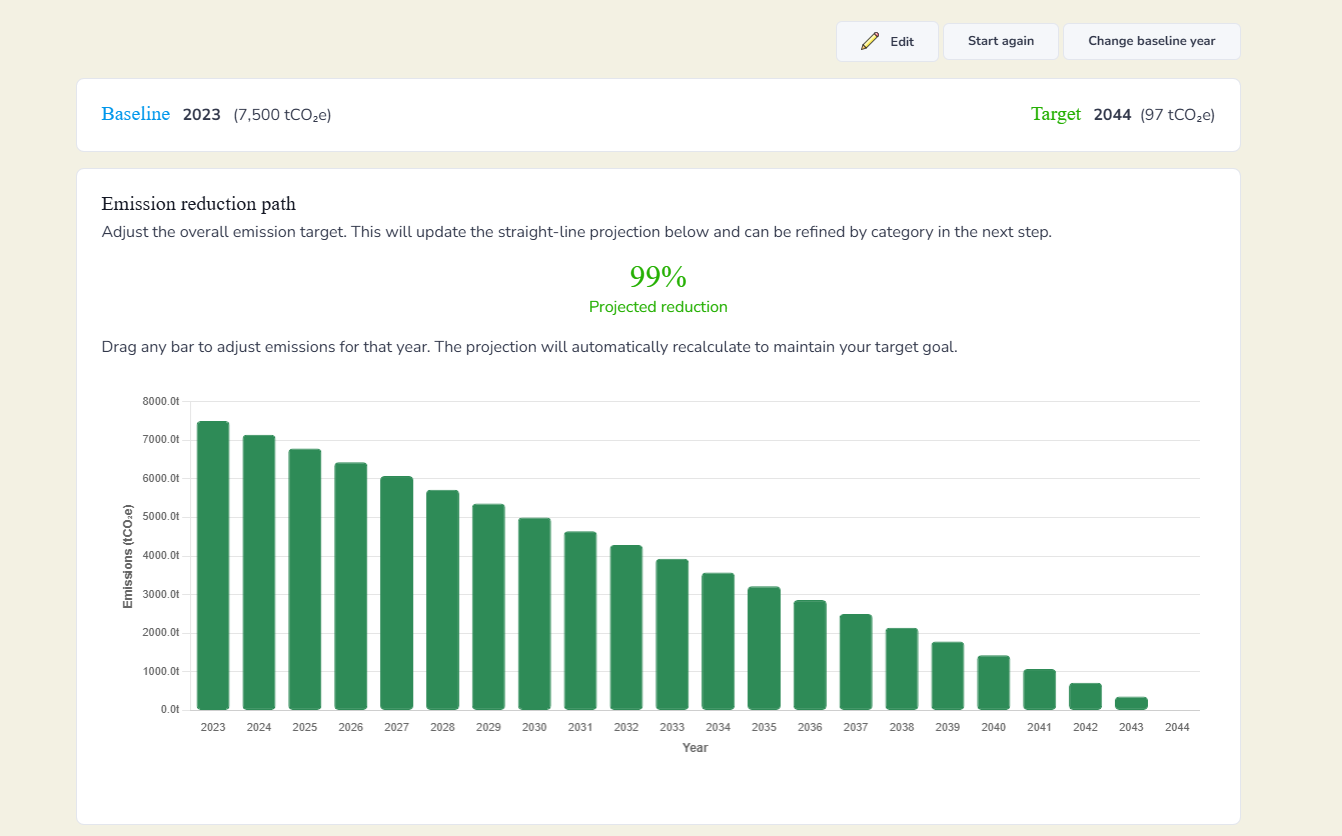
You will then see how you could achieve your net zero goal. Drag any bar on the chart to see how increasing or decreasing emissions in a given year affects your overall timing. You can also set your final emissions percentage, since 0 percent may not be practical for your industry, but reaching a low figure such as 20 percent emissions may be achievable.
If you want to correct a mistake, click Start again at the top of the screen to reset your roadmap.
Changing your baseline year
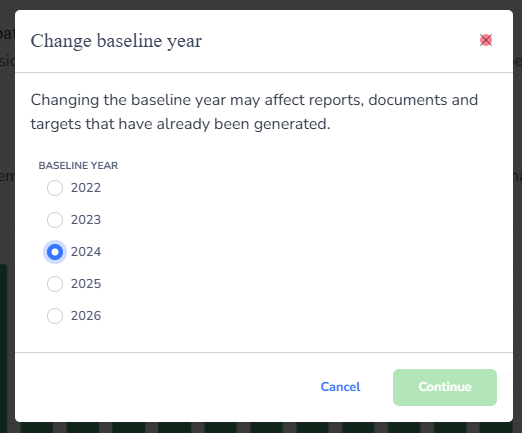
If you need to change your baseline year, click Change baseline year in the top right corner of the screen. Changing the baseline year may affect reports, documents and targets that have already been generated.
Choose the year you would like to set as your new baseline and click Continue.
Your emission reduction path will update to reflect the new baseline year and target.
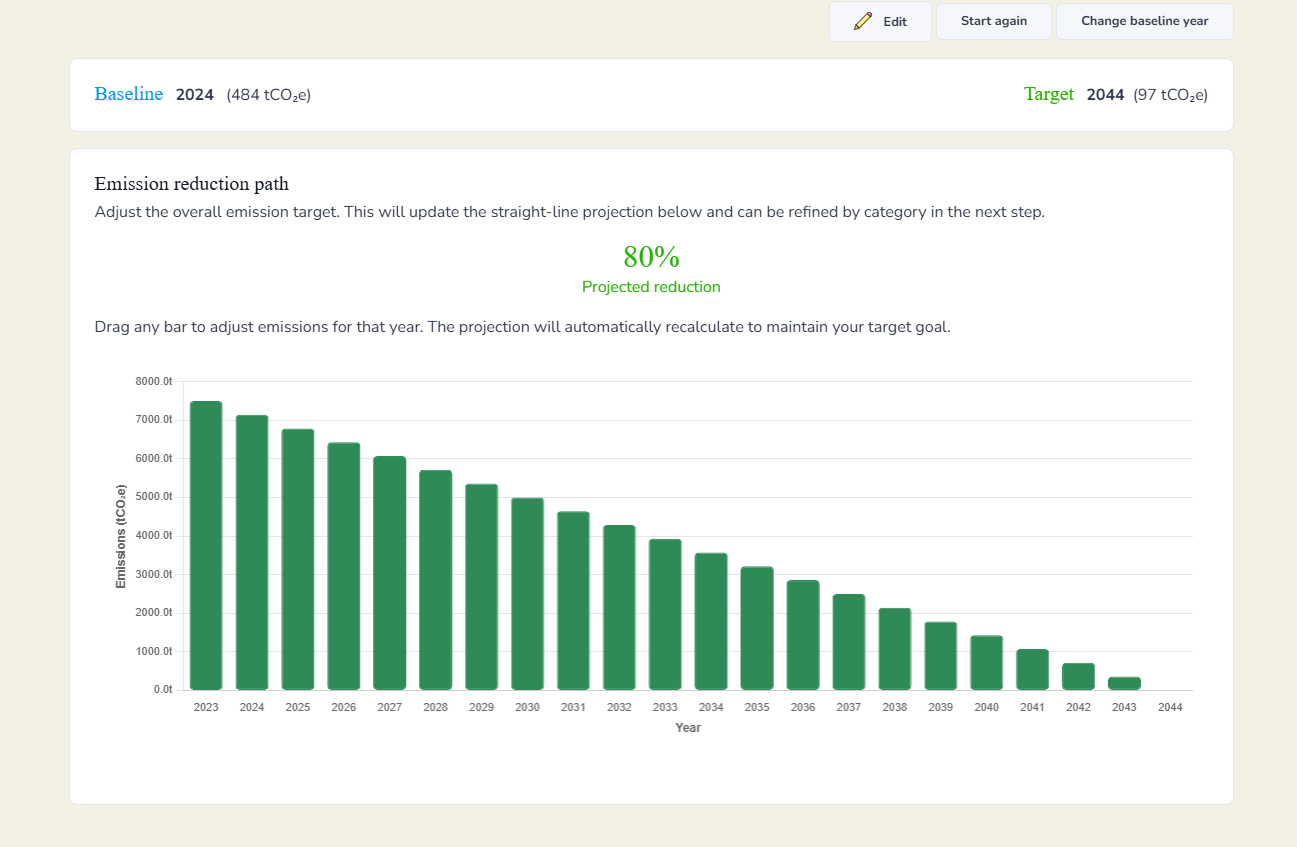
Your baseline year will then be updated, and the figures will automatically adjust to reflect the change.