-2.png)
Getting Started - Registering an account
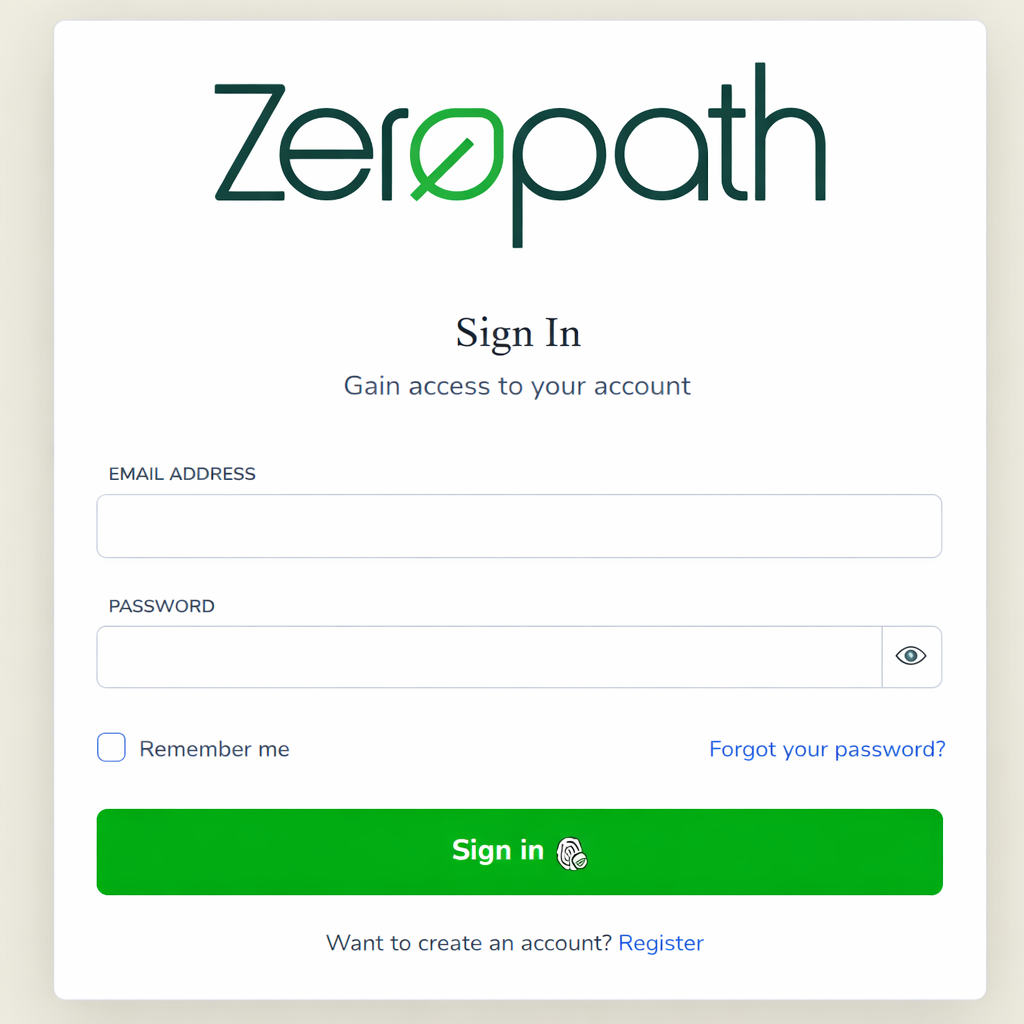
To create a new account in Zeropath, select Register from the bottom of the Login screen
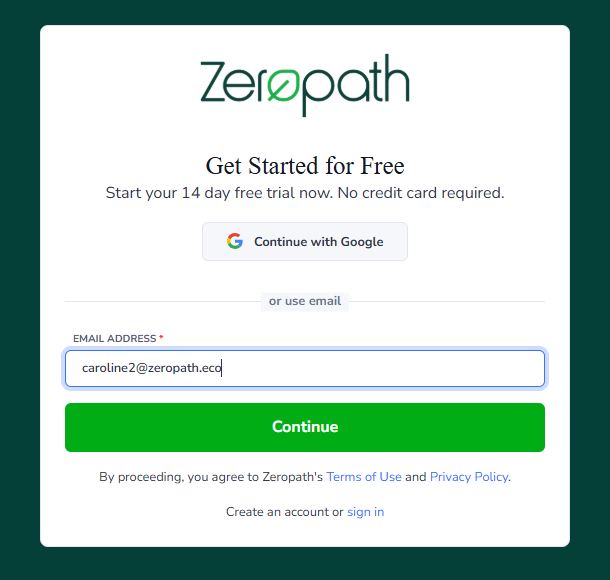
Enter your email address, then click Continue.
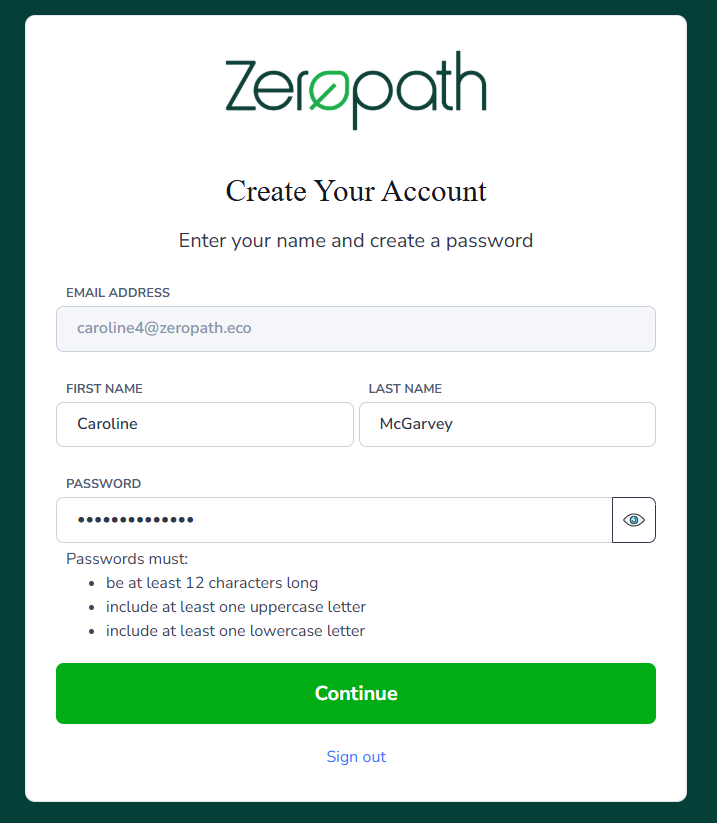
You can then create your account by adding your name and adding a password. The password must be 12 characters long and include 1 upper and 1 lower case letter and a special character. Then click continue.
You will then receive an email with a confirmation code.
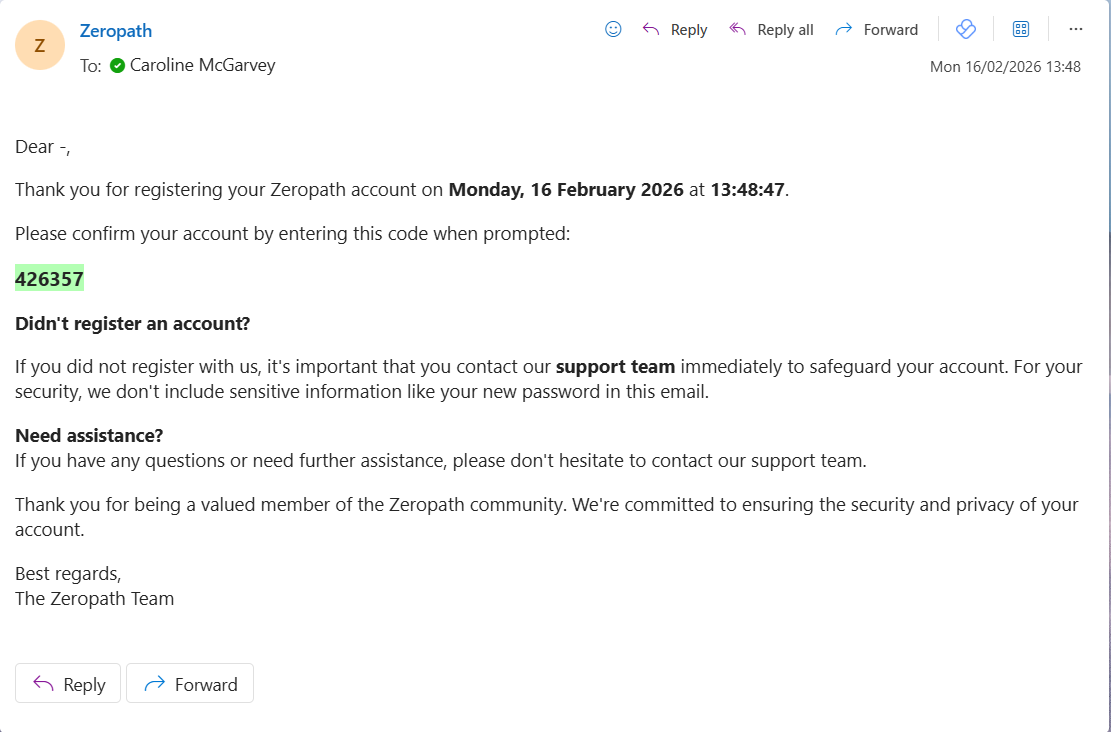
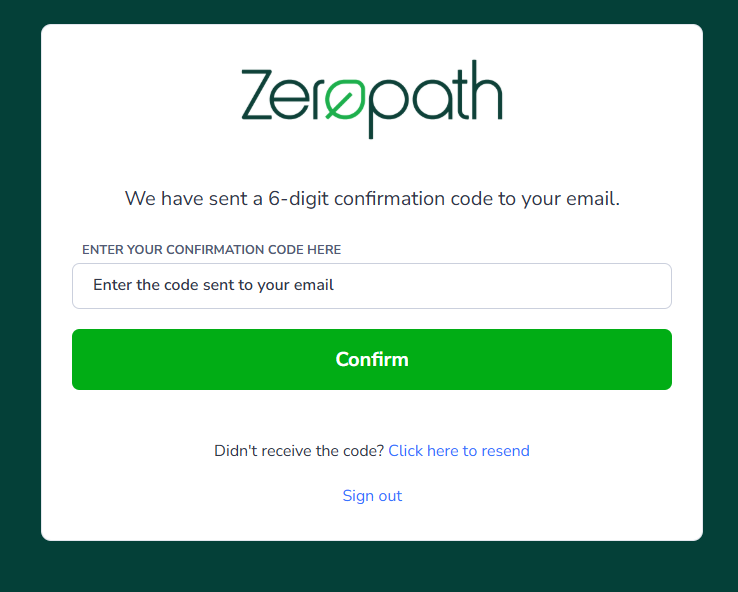
Enter the 6 digit code in the box provided and click confirm.
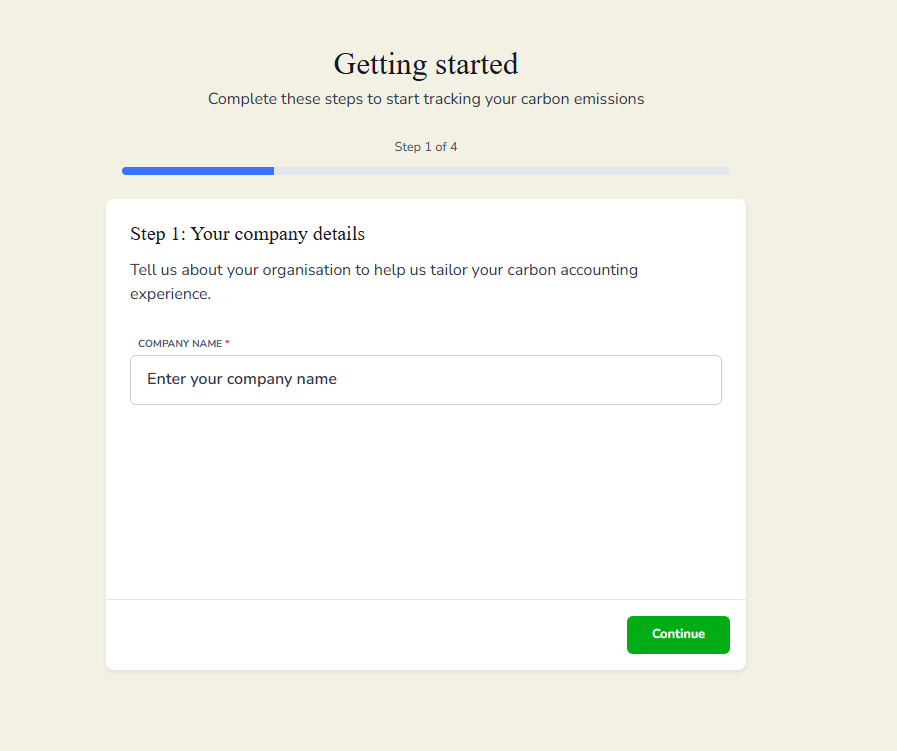
You should then see the Getting started screen. If you already have a Zeropath tenant, you will be logged into the Overview screen to get started.