-2.png)
Auto collect from Xero
From Settings —> Xero connection you can automatically import from Xero on set days and a number of times per day. This saves you from manually importing and any transactions which are already matched will be created on import in Zeropath.
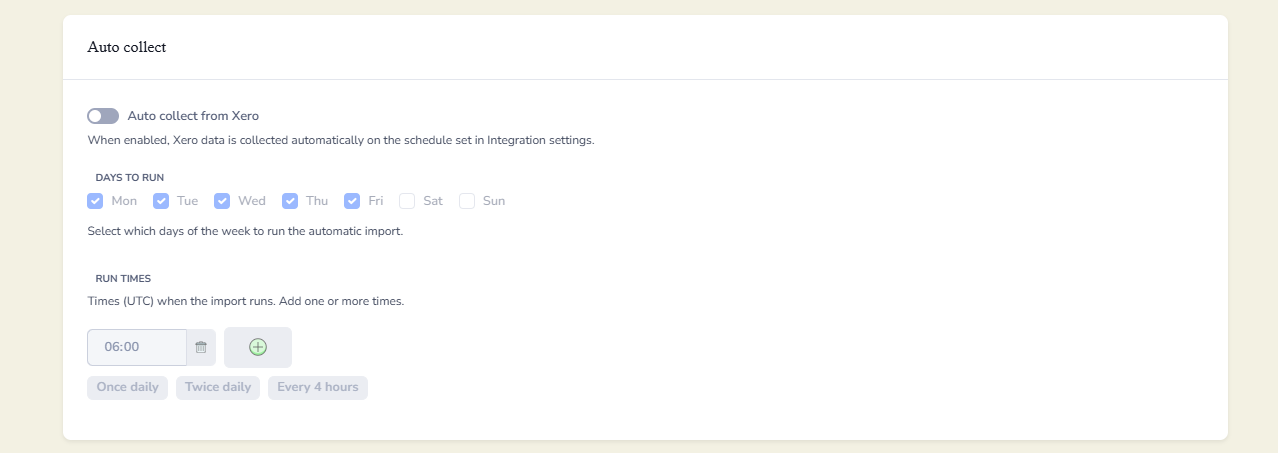
To do this toggle Auto Collect on. Once enabled, the tick boxes will turn blue, allowing you to select the days and times you would like transactions to be collected.
If you want to control the creation of transactions in Zeropath, navigate to Settings -> Smart rules.

When toggled on you can define the confidence threshold for creating or reviewing transactions. This figure is calculated by Zeropath based on the contact, item and description review.