-2.png)
Website badge and how to use it
A website badge is a simple way to show visitors that your carbon footprint is tracked and verified with Zeropath. You can choose how it looks, then add the embed code to your site so customers can see your commitment at a glance.
Setting up your badge
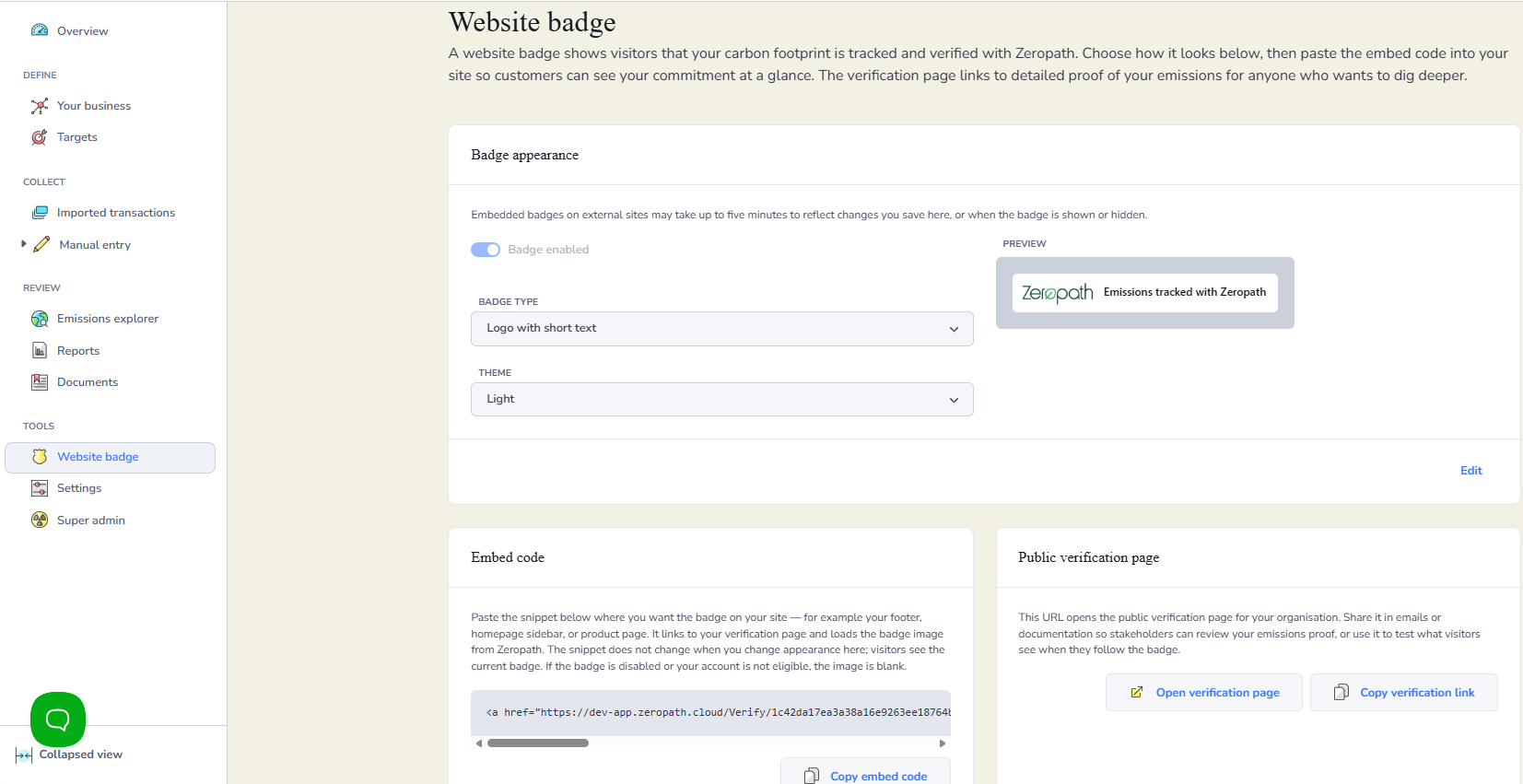
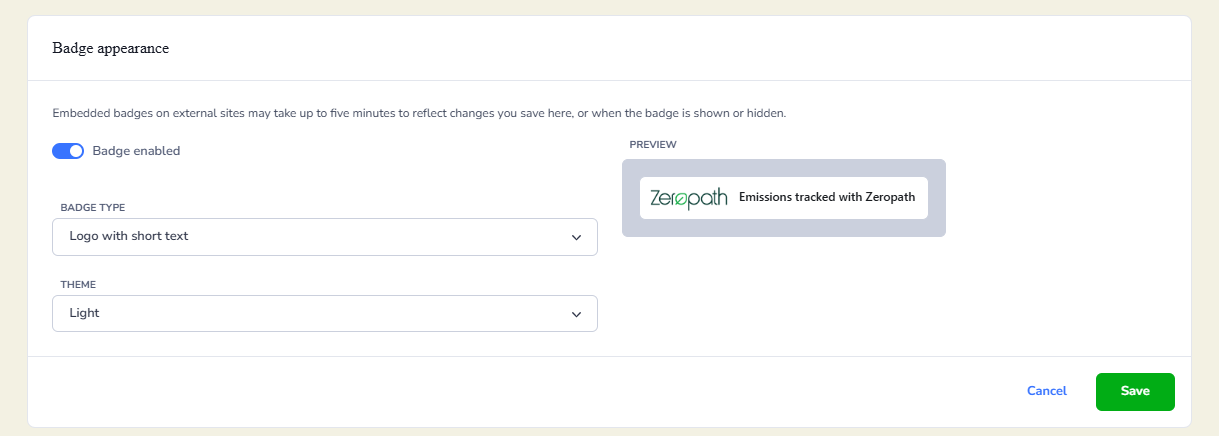
Go to Settings then Website badge and click Edit. You will see three options to configure.
Badge enabled toggles the badge on or off. When it is off, the badge will not be displayed on your site even if the embed code is in place.
Badge type lets you choose the style of badge. A preview is shown on the right so you can see how it will look before saving.
Theme lets you choose between a light and dark version to suit your site design.
When you are happy with how the badge looks, click Save.
Adding the badge to your website
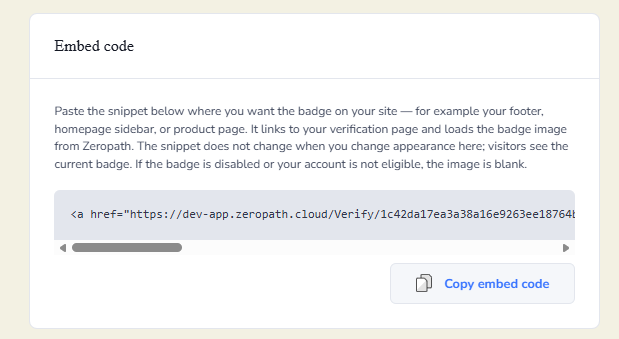
Once you have saved your badge settings, copy the embed code from the Embed code section and paste it into your website wherever you would like the badge to appear. Common places include your footer, homepage sidebar or product pages.
The badge loads directly from Zeropath, so any changes you make to its appearance in Zeropath will be reflected on your site automatically. You do not need to update the embed code each time you make a change.
If the badge is disabled or your account is not eligible, no image will be shown.
Public verification page
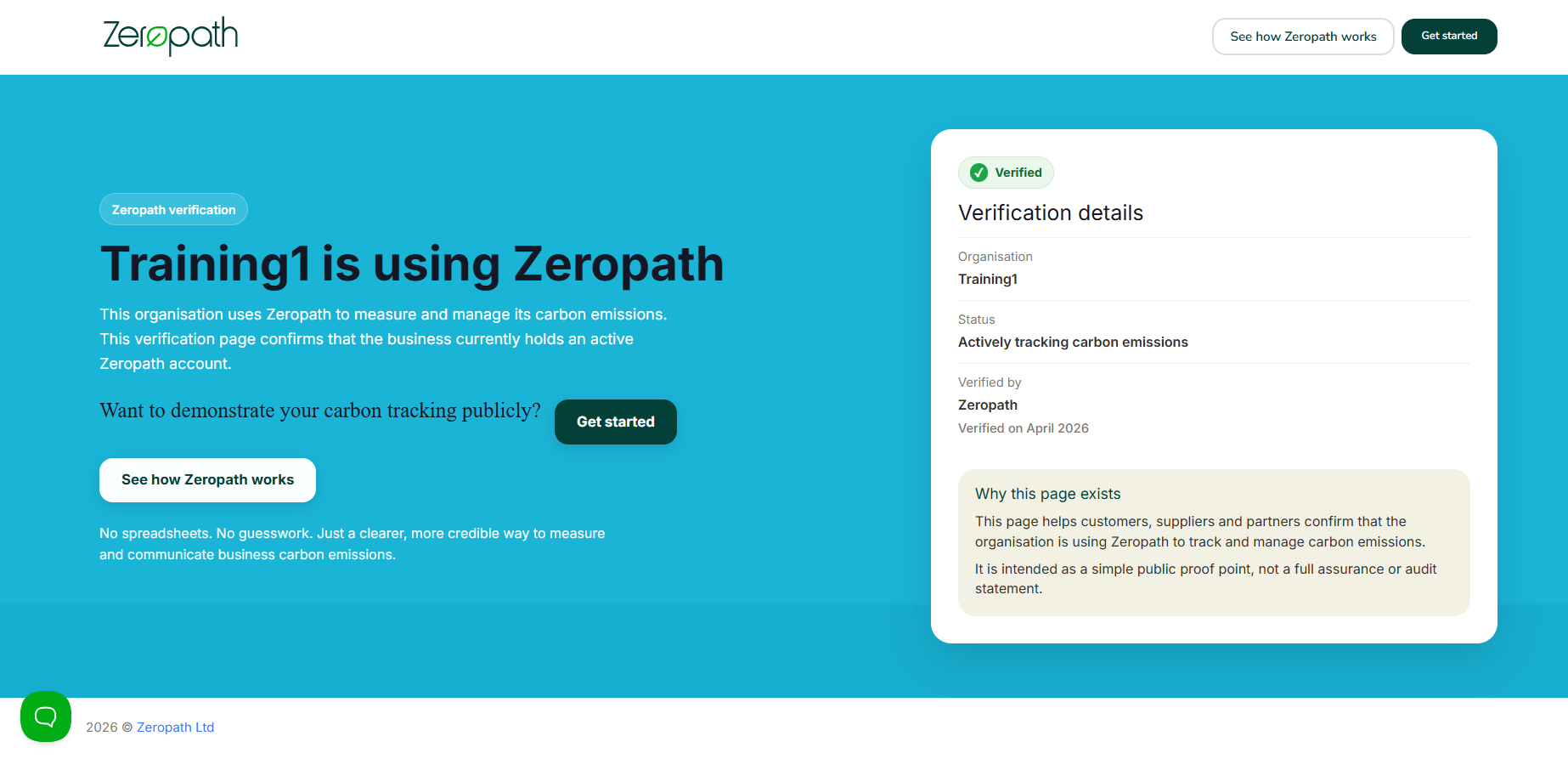
The badge links to your public verification page. This page confirms to anyone who clicks it that your organisation is actively using Zeropath to track and manage carbon emissions.
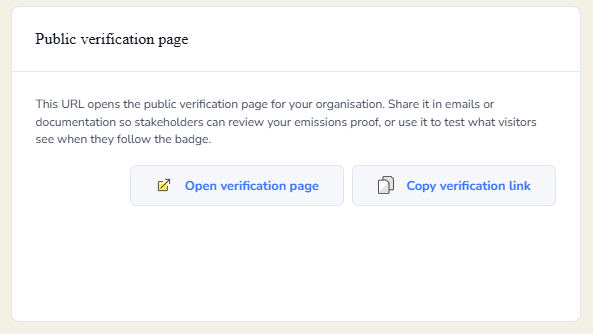
You can also share the verification page directly. Click Open verification page to see what visitors will see, or click Copy verification link to share the URL in emails or documentation so stakeholders can review your emissions data without needing to visit your website.
This URL opens your organisation’s public verification page. You can share it in emails or documentation so stakeholders can review your emissions data, or use it to preview exactly what visitors will see when they click your website badge.